
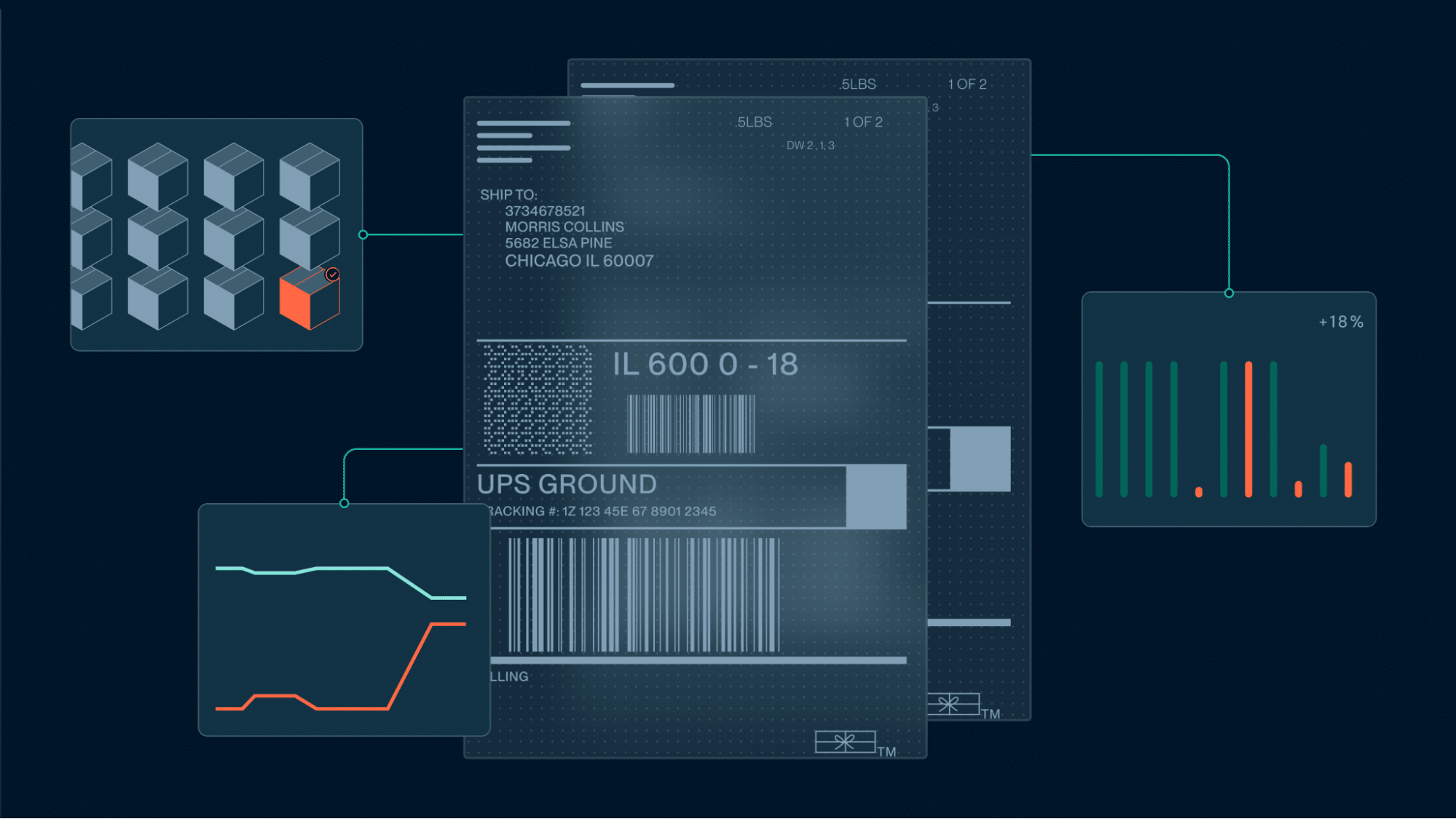

A customer bill cannot be finalized until the actual shipment cost is confirmed, and that confirmation arrives on the carrier’s billing cycle — after delivery, batched daily, weekly, or monthly — then waits again for someone to check it line by line. Invoice automation for logistics closes that gap by validating each carrier charge against the record that produced it, so customer billing no longer depends on the speed of manual spreadsheet work.
This guide covers how automated invoice reconciliation works in logistics, what it can improve in error rates and cash cycles, and what to look for in the software behind it.
Key highlights:
- Invoice automation for logistics is the automated ingestion, validation, and reconciliation of carrier invoices against executed shipment data, with customer bills generated from the approved charges.
- Shipping invoice automation removes the lag between carrier invoice arrival and customer billing by auto-approving lines that match the shipment record that produced them and sending only exceptions to a person.
- Shipium Billing Management runs invoice automation inside the platform that executed the shipment, so there is no second reconciliation dataset to maintain.

What is invoice automation for logistics?
Invoice automation for logistics is software that ingests carrier invoices, matches each line to the shipment, validates the charge against contracted rates, and generates the customer bill. This solution replaces line-by-line comparison between an invoice file and an operations system that never talked to it.

Volume is what makes manual carrier invoice reconciliation untenable. According to the U.S. Census Bureau, retail ecommerce sales reached $340.2 billion in the second quarter of 2026 — 17.1% of all U.S. retail sales and 12.2% higher than a year earlier. As ecommerce activity grows, so does the volume of orders and the number of invoice lines that finance and transportation teams must review and reconcile.
Each carrier added to a multi-carrier shipping program multiplies the reconciliation workload, because every one bills on its own schedule, in its own file format, with its own accessorial vocabulary. A team that reconciles one national provider by hand cannot scale that process across five or six.
What are the main benefits of automating shipping invoices?
The main invoice automation benefits run the length of the billing cycle: what the carrier gets paid, what a 3PL’s clients get billed, and what finance can close the month on.
Deloitte’s CFO Signals survey found that 49% of finance chiefs at large North American companies name automating processes to free staff for higher-value work as their top finance-talent priority for 2026. Carrier invoice reconciliation is a candidate for automation because the work is high volume, rule-driven, and done today by people reading PDFs.
The benefits of automating the logistics invoice process include:
- Cash collected on the actual billing cycle, not weeks after: The first invoice automation advantage is timing. Approved lines are ready to bill the day they clear validation, so the customer invoice goes out on the contracted cycle instead of waiting for someone to finish reconciling last month.
- Carrier overcharges caught before payment leaves the account: A rule that runs on every line catches a mis-zoned parcel or an unearned residential surcharge while the dispute window is open. Recovering that money is a reliable way to decrease shipping costs without reopening a carrier contract.
- One customer account per invoice line, attributed automatically: A 3PL automated invoice process assigns each line to the right client at ingestion, not at month-end.
- Margin protected: Sell prices applied in the same system that holds carrier costs keep the spread intact when pricing terms change, including surcharge updates. A 3PL shipping platform like Shipium holding both sides of the rate relationship removes the stale spreadsheet copy.
- Finance closing on real accruals instead of estimates: Shipped-but-not-billed exposure becomes a live number the controller can trust, not a plug figure defended in the audit.
Check out Shipium’s parcel audit software.
How does invoice automation reduce billing errors in logistics?
Invoice automation with billing management reduces errors in logistics by removing three common sources of billing errors: a stale rate card, an accessorial applied against the wrong service, and a person re-keying numbers between the carrier invoice and the customer bill.
Automated invoicing improves billing accuracy in logistics by:
Validating each charge against a current rate card
Pricing data can become outdated when carriers change their pricing terms between contract cycles. For example, the carrier may update its fuel table, delivery area fees, or dimensional divisor without reflecting those changes in the tables used for invoice validation. If the system checks a new invoice against outdated rates, it approves a charge that exceeds the amount the customer should have paid. Carrier surcharge management keeps the reference tables current, separating an automated check from an automated rubber stamp.
Checking each accessorial against the shipment’s actual service
A residential delivery surcharge may be added to a commercial address, or an extended-area fee may be applied to a ZIP code that falls within the carrier’s standard service area. These charges can look reasonable when reviewed alongside the base rate, but they are incorrect if the delivery does not meet the carrier’s rules for the charge. Invoice automation checks each accessorial against the shipment’s actual service type, destination, and other applicable criteria before approving the charge.
Removing the re-keying between carrier invoice and customer bill
The U.S. Bureau of Labor Statistics projects employment of bookkeeping, accounting, and auditing clerks to fall 6% between 2024 and 2034, naming software automation of their tasks as the cause. Shipping invoice automation removes the re-keying entirely, because a person comparing a carrier PDF against an order record is doing work a matching rule performs without transposing a digit. Errors that clear validation still surface in the cost report, which is why carrier spend visibility built on shipment identifiers matters.
How invoice automation works: 6 steps from carrier invoice to customer bill
The Council of Supply Chain Management Professionals estimates that U.S. business logistics costs reached $2.58 trillion in 2024, or 8.8% of national GDP. Finance and operations teams capture a portion of that spending in invoices, then review, validate, and reconcile those records. Automating this process involves six main steps:

1. Standardize carrier invoice intake across API, EDI, and SFTP feeds
Carriers deliver invoice data by API, EDI, SFTP, or plain file transfer, depending on what each supports. Platform integration normalizes into one feed with consistent field names, so a downstream rule behaves the same way for a national carrier and a regional partner.
2. Match every invoice line to its executed shipment record
A platform for invoice automation matches each invoice line to the shipment that produced it using a shared identifier. Lines with no matching record go straight to quarantine, catching duplicate billing and charges for voided labels.
3. Validate charges against contracted rates, zones, and accessorials
An enterprise shipping platform recalculates what each line should cost from contract terms, discount tiers, zone tables, and accessorial rules, then compares that figure against what the carrier billed. Matching lines auto-approve, keeping the exception queue small enough for a real team to work.
4. Route flagged discrepancies into a dispute queue with root-cause detail
Non-matching lines route into a dispute queue carrying their evidence: the rate quoted at selection, the label response, the scan history, and the misapplied term.
5. Apply customer sell rate sheets to the approved lines
Approved cost lines pass through the customer’s sell rate sheet, which applies the markup agreed in the carrier contract: a flat fee, a percentage, or a rate that varies by zone and weight. Handling and value-added service charges attach at the same point.
6. Issue customer invoices on the billing cycle
Once shipment charges are priced and approved, they are grouped by customer account and added to an invoice according to the contracted billing cycle, whether weekly, monthly, or per shipment. Disputed carrier lines stay out of the customer bill until they are resolved, so a carrier’s error never becomes an argument with the client.
What features should logistics invoice automation software include?
Logistics invoice automation software brings features like invoice ingestion, rate validation, dispute handling, and cost reporting. Demand for this category is accelerating: the invoice automation software market is projected to grow at a CAGR of 14% through the next decade, according to Research Reports World. Increased adoption suggests that shippers are choosing infrastructure meant to scale with parcel volume.
| Invoice automation feature | What to look for | Why it matters for high-volume shippers |
|---|---|---|
| Carrier invoice ingestion | API, EDI, SFTP, and file transfer intake normalized into one feed | A missing or delayed invoice feed can hold up billing for every shipment handled by that carrier. |
| Line-item rate validation | Every line is recalculated against the contracted base rate, zone, discount tier, and service | Small rating errors become expensive at scale: a $0.40 overcharge across 200,000 parcels adds up to $80,000. |
| Accessorial and surcharge handling | Fuel, delivery area, residential, and dimensional charges validated apart from the base rate | Surcharges can vary independently of base rates, so failing to validate them separately can leave a large share of invoice errors undetected. |
| Customer sell rate sheets | In-platform sell prices with markups set by base rate, zone, or weight, plus configurable surcharges | Using copied buy rates to create customer invoices makes it easy to miss markups or surcharges, turning billing errors into lost margin. |
| Dispute routing and root cause | Automatic dispute of non-matching lines with rating and scan evidence attached | Disputes are easier to resolve when the system identifies the exact mismatch and provides the evidence needed to support the claim. |
| Cost reporting by carrier and node | Cost and invoice status by carrier, service, origin, and fulfillment center, with month-over-month trends | Blended cost-per-parcel hides where costs are increasing: carrier, service, and node-level data shows where rates or operational changes are affecting spend. |
Automate logistics invoice processing with Shipium
For high-volume shippers, manual invoice reconciliation makes it difficult to keep billing accurate as parcel volume grows. Carrier invoices, shipment data, and customer billing often sit across separate systems, making it harder to identify incorrect charges, recover overpayments, and bill customers accurately.

Our parcel management software connects complete carrier invoice details with the shipment and rating data used to make the original shipping decision. Because Shipium ties each invoice line back to its corresponding shipment, the platform can validate charges against the rates, services, and shipment activity it records rather than relying on manual reconstruction.
With Shipium, enterprise shippers can:
- Automate carrier invoice ingestion and validation with Billing Management.
- Price every shipment against contracted base rates, zones, discounts, and accessorials with our Rating Engine — the expected charge each invoice line is later validated against.
- Route billing discrepancies using the shipment and rating data needed to support disputes with Always-On Audit.
- Track carrier costs and invoice status by carrier, service, origin, and fulfillment center with Shipping Analytics.
Our automated invoice ingestion gives finance and operations teams a clearer view of what they were charged, how those charges compare with pre-shipment data, and what they should bill their customers — without relying on manual reconciliation.
Book a demo to see how Shipium automates carrier invoice reconciliation and customer billing at parcel volume.
Frequently asked questions
Can logistics invoice automation integrate with existing systems like a TMS, WMS, or ERP?
Yes. Logistics invoice automation connects to a TMS, WMS, or ERP through APIs, and the quality of that connection sets how much reconciliation work it handles without help. Shipium’s integration framework supports major ERPs, OMSs, WMSs, and TMSs, alongside partnerships with systems of record including Manhattan, Blue Yonder, and Körber.
Learn more about our shipping automation software.
Can automation handle logistics-specific charges like fuel surcharges or detention fees?
Yes. Automation can handle logistics-specific charges when the rating logic evaluates each charge type individually. Fuel surcharges move on published indices, detention and demurrage accrue against clock events, and delivery area charges depend on address classification, so each needs its own rule and reference data. Shipium’s Rating Engine accounts for contracted discounts, surcharges, and accessorials when it prices a shipment.
How much can automation reduce invoice processing time?
Two variables determine the potential reduction in invoice processing time:
- How clean the contract data is.
- How much spend comes from carriers that provide structured invoice feeds.
An invoice automation process with current rate tables and API-based intake can achieve greater efficiency than one that reconciles scanned documents against a stale contract file. Shipium reports 99%+ of invoice lines auto-approved without human review under a closed-loop model, with typical dispute cycles measured in days.
How long does invoice automation take to implement?
Invoice automation timelines depend on what the software connects to, not the software itself. Most of the work is integration: carrier invoice feeds, rate and zone mapping, and the systems of record holding shipment and finance data. Scope any vendor’s estimate by how many feeds and systems are in play.
For Shipium, invoice automation isn’t a standalone deployment. Shipium Billing Management solution validates invoices against pre-shipment data the platform already produces, so it goes live inside the overall move from a legacy shipping platform onto Shipium — an implementation averaging 7.5 weeks per customer.